Video walks throughs are seen further down this page.
In this tutorial, I’ll show you how to use Fluent Player in WordPress to take control of your video embeds. Instead of relying on the standard YouTube or Vimeo player with ads, suggested videos, and external branding, you can use Fluent Player to present clean, consistent, and more professional video playback on your site. I will walk through setting up Fluent Player, embedding videos from Youtube, and configuring the player so your visitors see exactly what you want them to see and nothing more.
A quick walk through using FluentPlayer controls.
Check out the FluentPlayer Pro version also here. (I added my affiliate link into this link.)

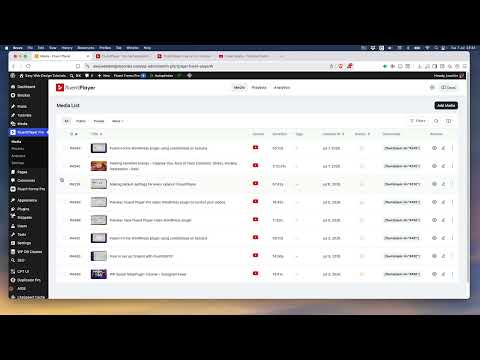
There are two versions the free versions which contains a lot of features and the Pro which also adds the Playlist, analytics and additional features. I have made videos of both. Here is the Add Media screen where one adds the media and modifies the settings which will show up on the right side.
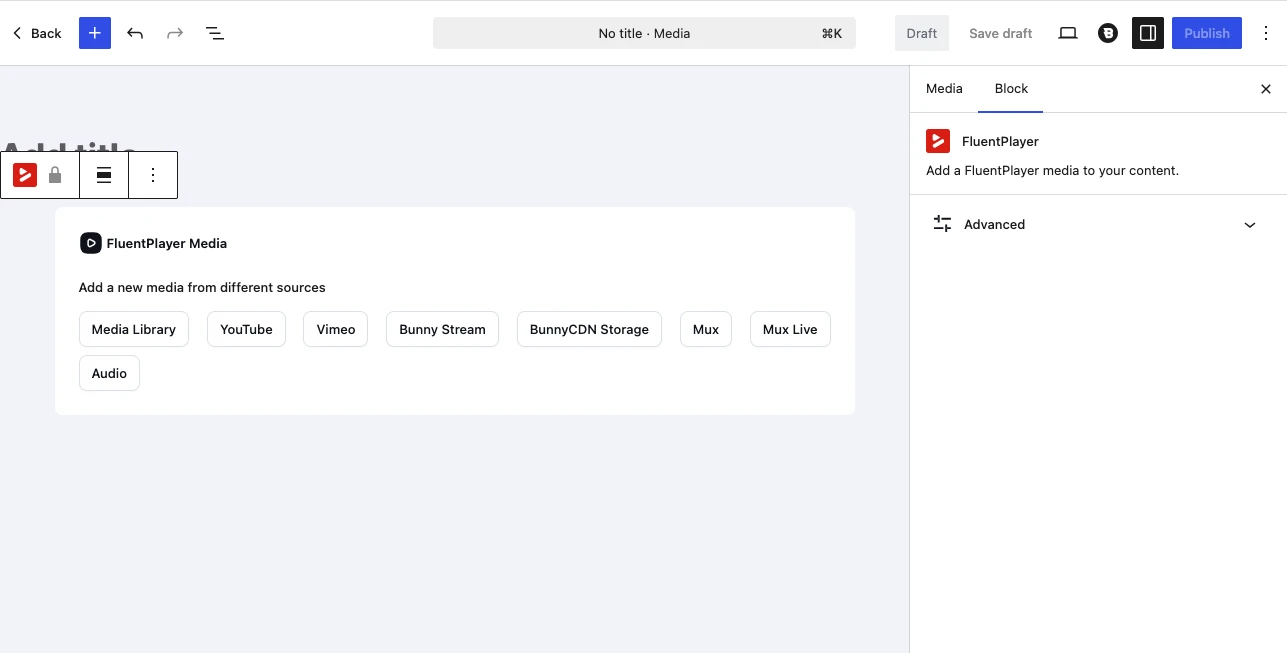
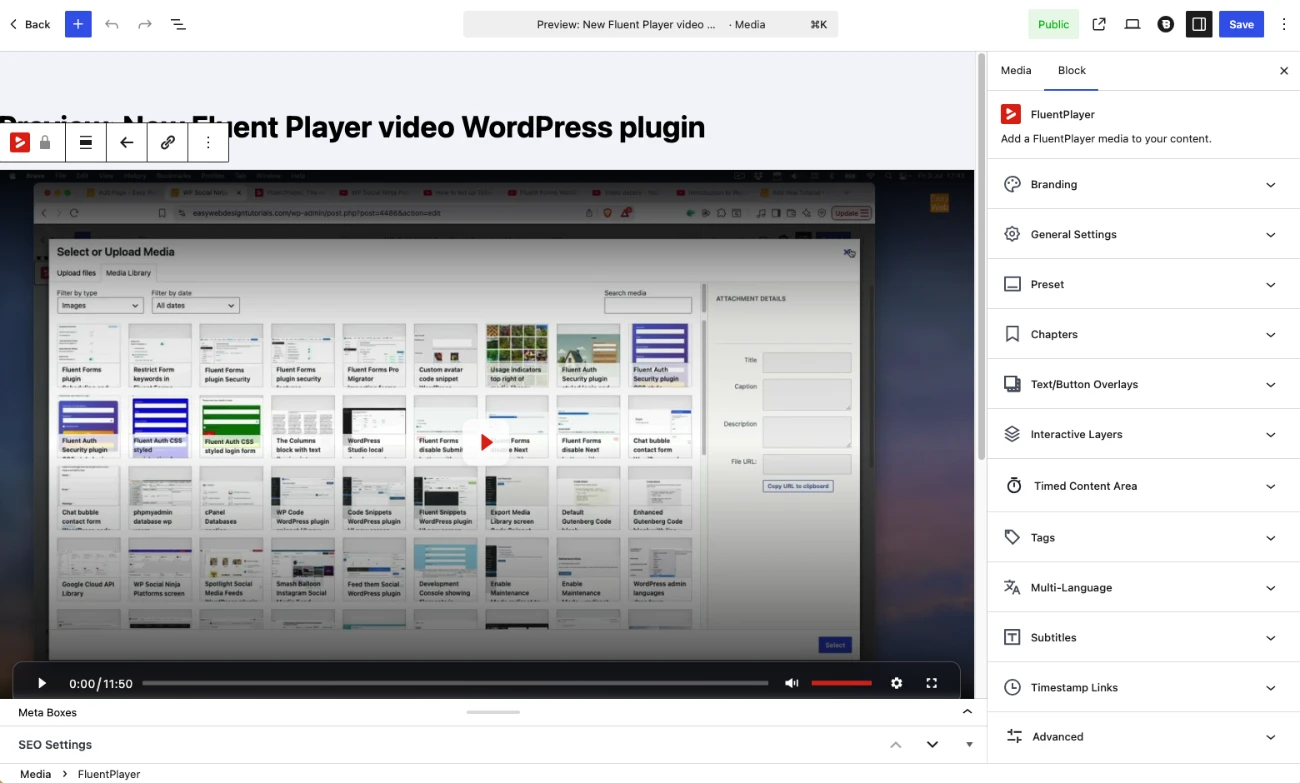
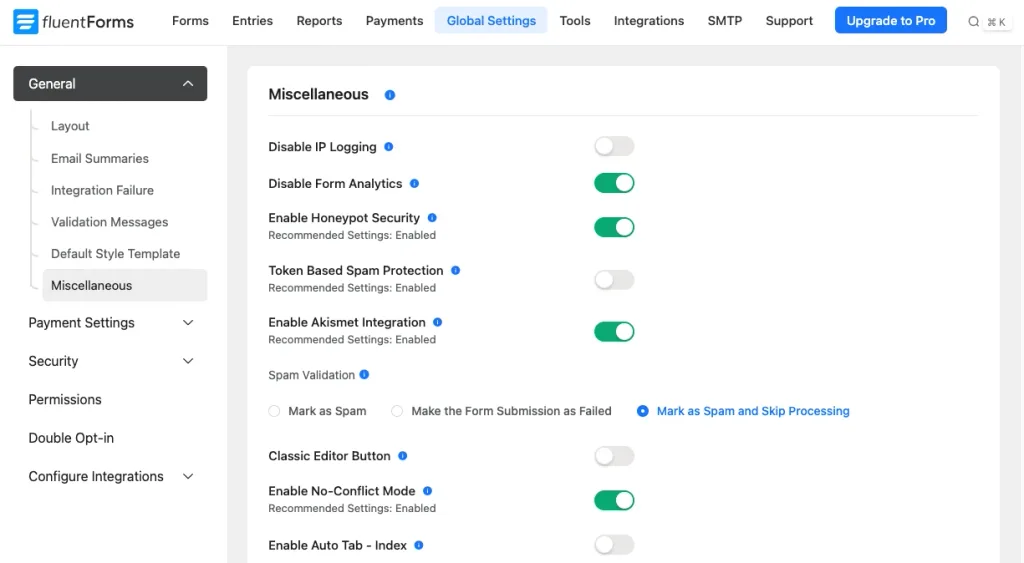
The various settings are seen on the right side inside the Add Media area. There is also a separate Settings to where one can define default settings that will be used for all videos.
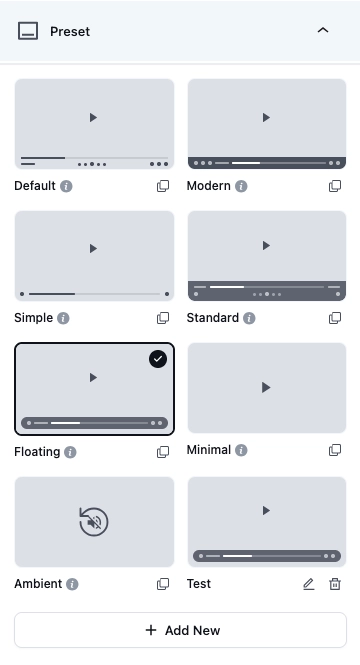
In the right side settings is the Preset (skin) area to where one can define which controls to be used.
The free version of FluentPlayer
One can modify what is seen. Youtube ads will not be seen and one can really control the experience the viewer gets when watching a video from an external web site.
Video 1: Basic setup and using Fluent Player with YouTube/Vimeo
Here I have modified the Youtube Embed experience through FluentPlayer.
One needs to for now atleast add a shortcode into the content area of WordPress and show the FluentPlayer media one has linked to.

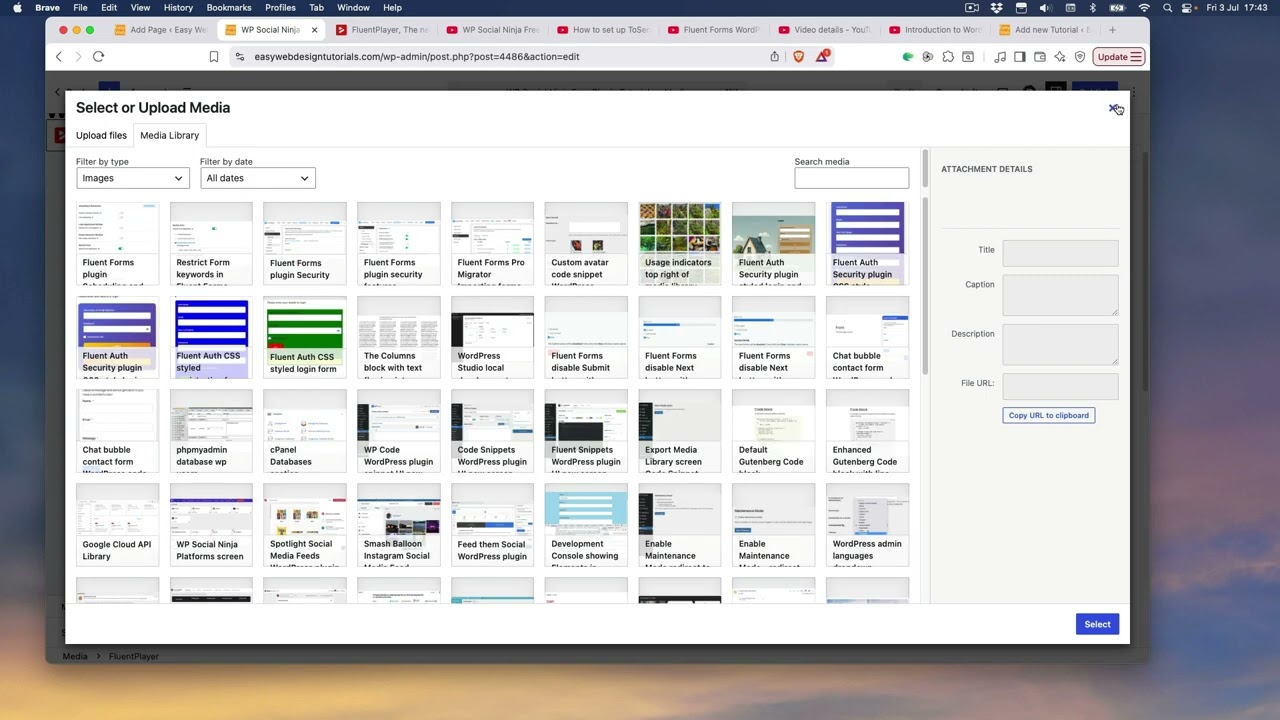
Compare to the standard Youtube Embed experience.
The Pro version of FluentPlayer
Here I have modified the Youtube Embed experience through FluentPlayer Pro.
Focus is on the Playlist feature in the Pro version.
Defining presets for a video through the FluentPlayer settings.
In the following video I am using the Pro player. The free player should have similar access to the settings. (Except Playlists and Analytics)
My conclusion.
I really like the experience of using FluentPlayer and have a few client projects in mind to where I can use it. Example for a better branding experience and control over how embeds are seen. I have an affiliate link to Fluent Player Pro here.
Resources
fluentplayer.com
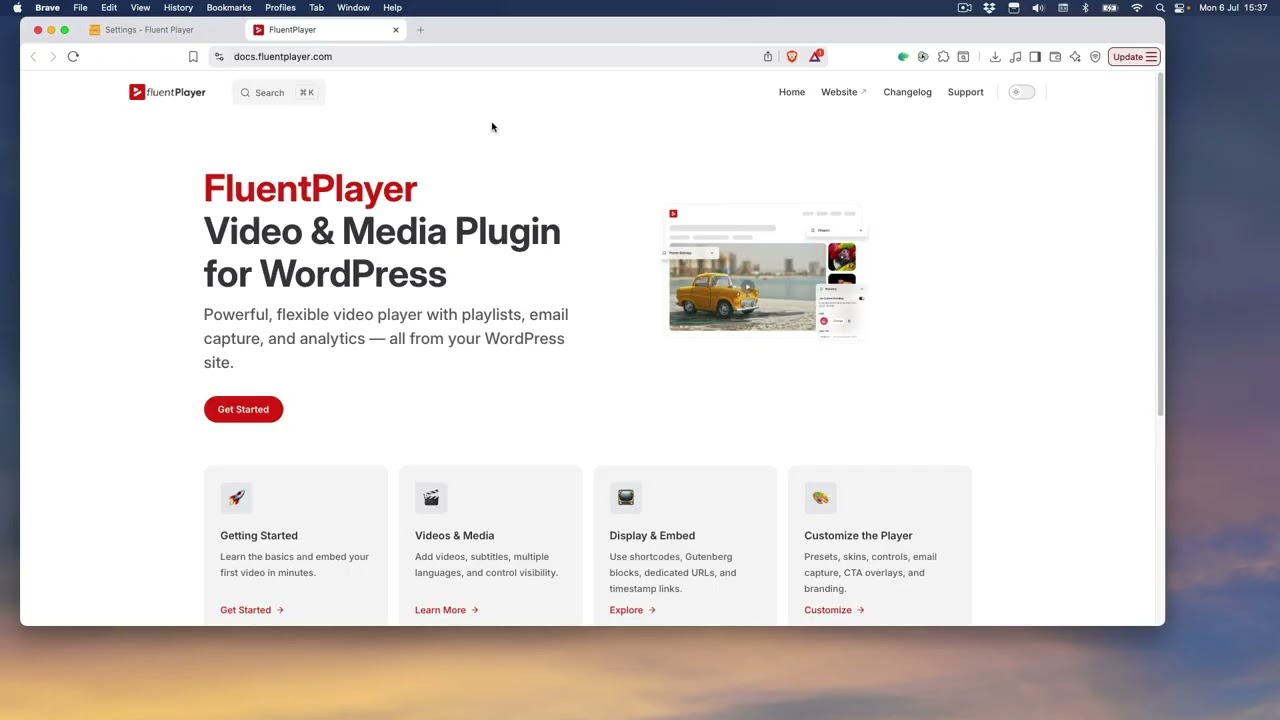
docs.fluentplayer.com
sennalabs.com/blog/how-to-embed-youtube-without-slowing-down-your-website